
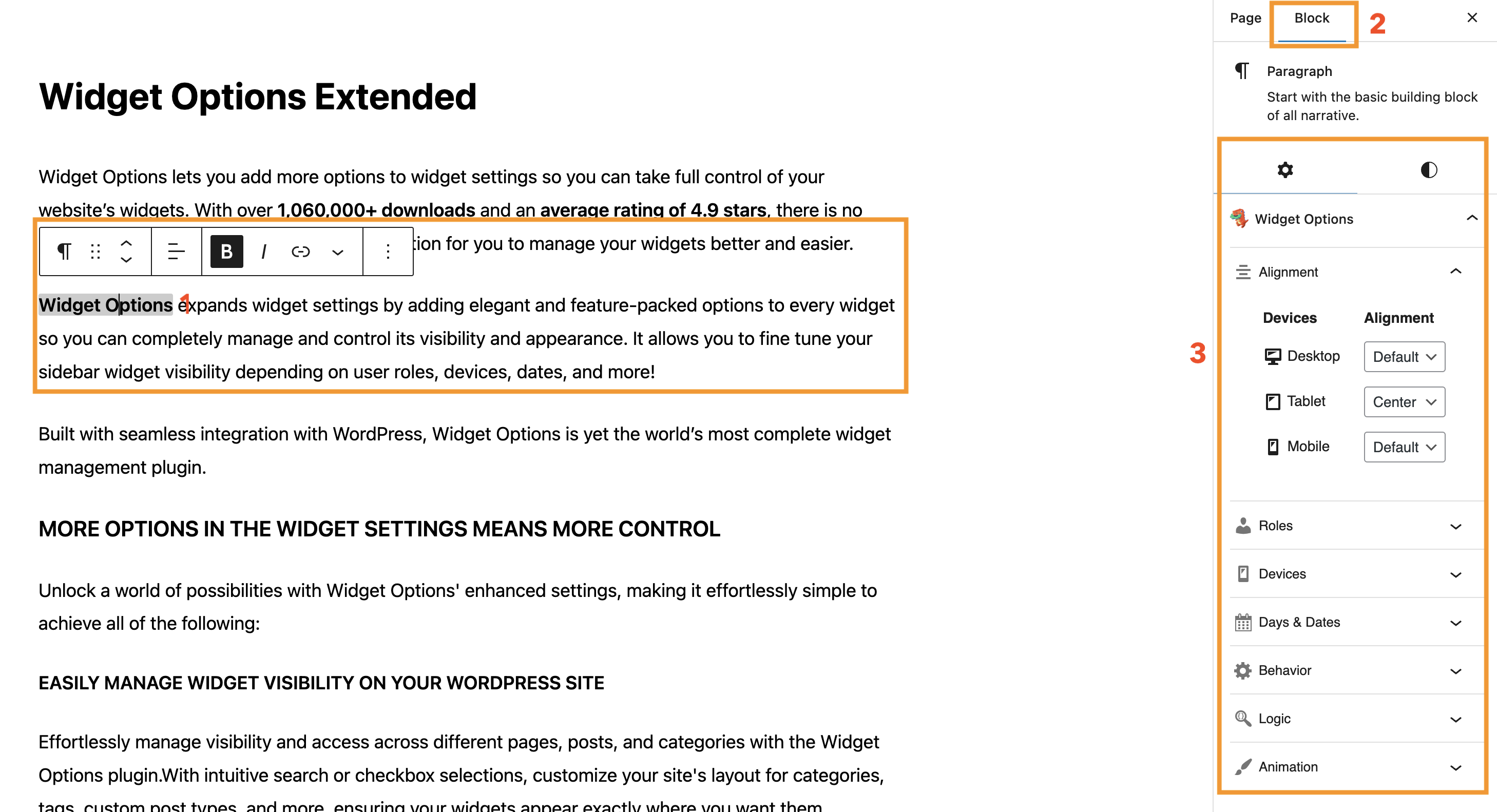
Widget Options can also be used with supported blocks in the WordPress editor, allowing you to apply Widget Options functionality to content added to pages, posts, and other custom post types.
After selecting a supported block, the available Widget Options settings can be accessed from the block settings panel.
Feature Availability #
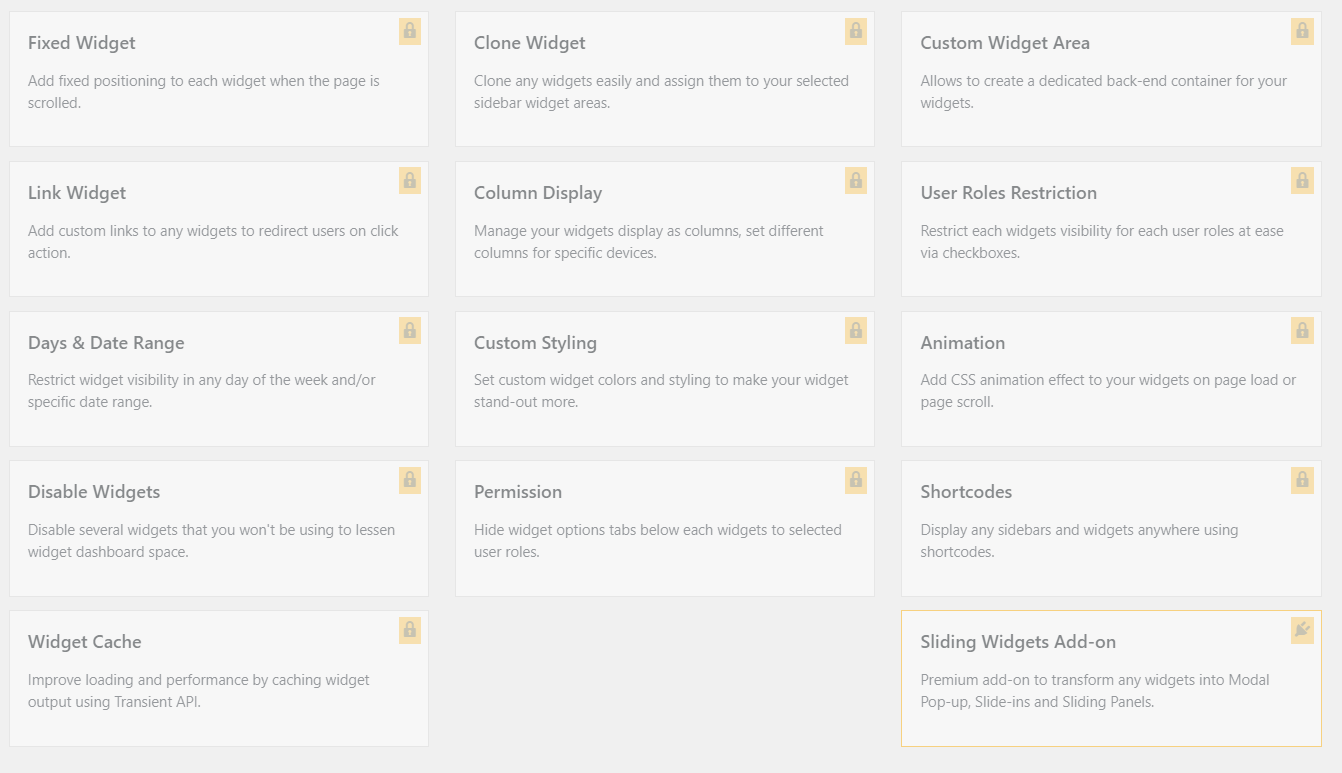
Some Widget Options functionality is available only with Widget Options Extended.
If you are using the standard Widget Options plugin, certain features may appear as locked and require Widget Options Extended to use them.
Using Widget Options with Blocks #
To configure Widget Options for a supported block:
- Open the page, post, or custom post type you want to edit.
- Select the block you want to configure.
- Open the block settings panel.
- Locate the Widget Options settings.
- Configure the available options as needed.
- Save or update your content.
FAQs #
Can I use Widget Options on every block?
Widget Options is available for supported blocks. If the Widget Options settings do not appear, make sure you have selected the block and that the block supports the functionality.
Why are some features locked?
Locked features are available with Widget Options Extended. These features cannot be configured while using only the standard Widget Options plugin.
Will changing Widget Options settings affect other blocks?
No. The settings are applied individually to each block. Changes made to one block will not automatically change the Widget Options settings of other blocks.
Can I use Widget Options with custom post types?
Yes, Widget Options can be used when editing supported custom post types that use the WordPress Block Editor.