
Modal Pop-up and Sliding Widget Options Pricing Powerful and affordable. 30 Day Money Back Guarantee!
SLIDING WIDGET OPTIONS ADD-ON
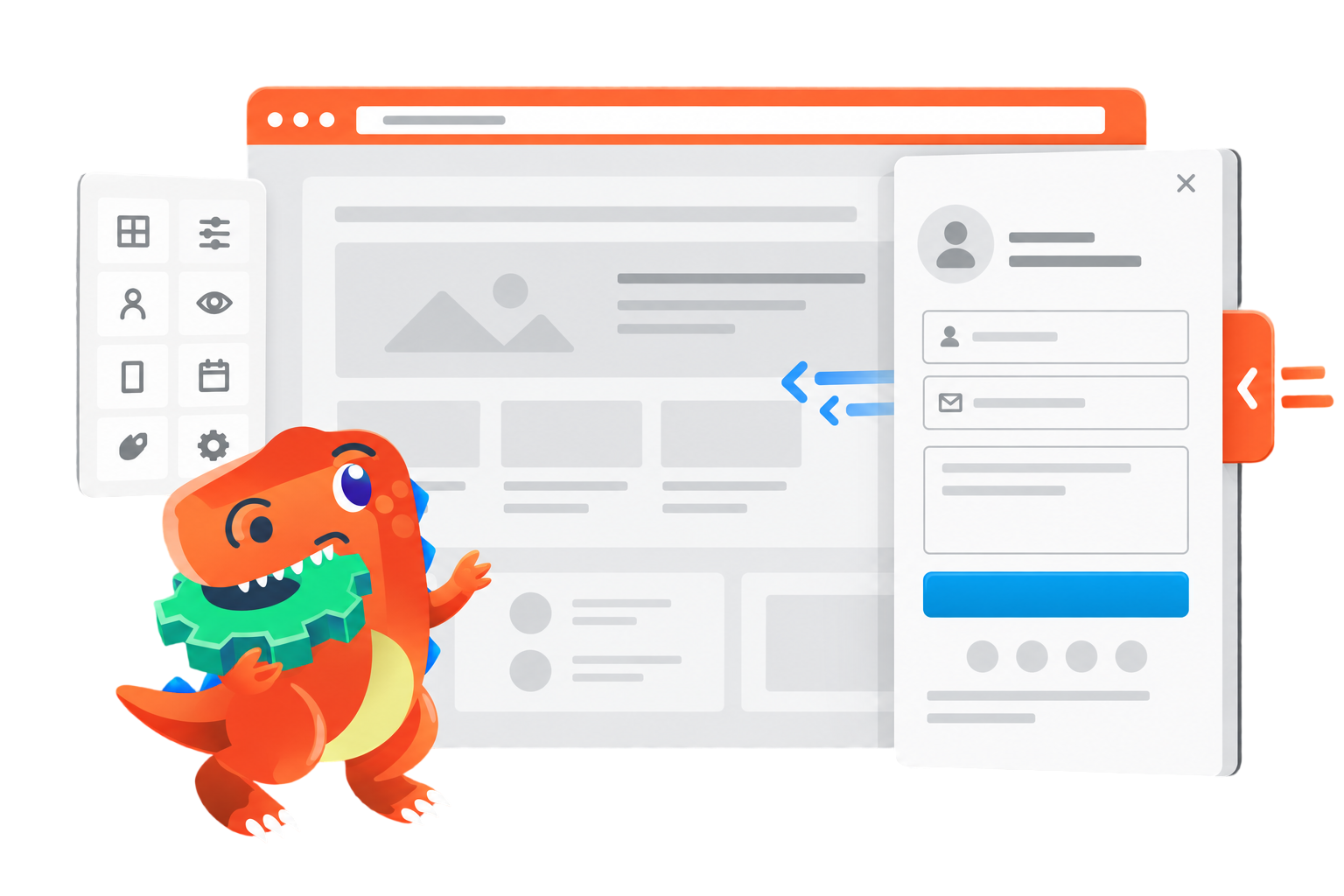
Turn Any Widget or Block Into a Slide-In or Pop-Up
Put forms, promotions, announcements, navigation, and other important content within easy reach—without rebuilding your pages. Choose how it appears, where its trigger is displayed, and when it opens.
30-Day Money-Back Guarantee
Works with Widgets and Blocks
Works with Widget Options Free or Extended
Put Important Content Within Easy Reach
Create responsive sliding panels and modal pop-ups using the widgets and Gutenberg blocks you already have.
Sliding Panels
Display forms, offers, messages, navigation, or other content in responsive panels that slide in from the left or right.
Modal Pop-ups
Open widgets and blocks in a focused modal when visitors click your floating button or meet a configured trigger.
Display Controls
Choose where the floating button appears and open your content by click, mouseover, page load, scroll progress, or exit intent.
Create Your First Sliding Panel in Three Steps
Turn an existing widget or block into an interactive panel without rebuilding the page.
01
Choose Your Content
Select the widget or Gutenberg block you want to display in a sliding panel or modal pop-up.
02
Set Its Behavior
Choose the display type, button position, opening trigger, dimensions, colors, and other available settings.
03
Publish and Test
Save your settings and test the experience on desktop, tablet, and mobile before making it available to visitors.
BEFORE YOU PURCHASE
What You Need to Use This Add-On
Sliding Widget Options is an add-on for Widget Options. It works with both Widget Options Free and Extended, so you can use the version that already fits your website.
Separate Add-On License Required
Install Widget Options Free or Extended, then install Sliding Widget Options and activate it using its own SWO license key.
Choose Your Sliding Widget Options License
Select the license that covers the number of WordPress websites where you plan to activate the add-on.
- Unlimited sites
- Multisite usage
- 1 year of updates*
- 1 year of support*
- 30-day money back guarantee
- 5 sites
- No Multisite usage
- 1 year of updates*
- 1 year of support*
- 30-day money back guarantee
- 1 site
- No Multisite usage
- 1 year of updates*
- 1 year of support*
- 30-day money back guarantee
* Prices and entitlements shown are concept values. Verify every license term before development and publication.
- Unlimited sites
- Multisite usage
- Lifetime updates*
- Lifetime support*
- 30-day money back guarantee
- 5 sites
- No Multisite usage
- Lifetime updates*
- Lifetime support*
- 30-day money back guarantee
- 1 site
- No Multisite usage
- Lifetime updates*
- Lifetime support*
- 30-day money back guarantee
* Prices and entitlements shown are concept values. Verify every license term before development and publication.
30-Day Money-Back Guarantee
Try the add-on on your website. Request a refund within 30 days, subject to the published refund policy
Frequently Asked Questions
Find answers about product requirements, supported content, display options, customization, and licensing.