
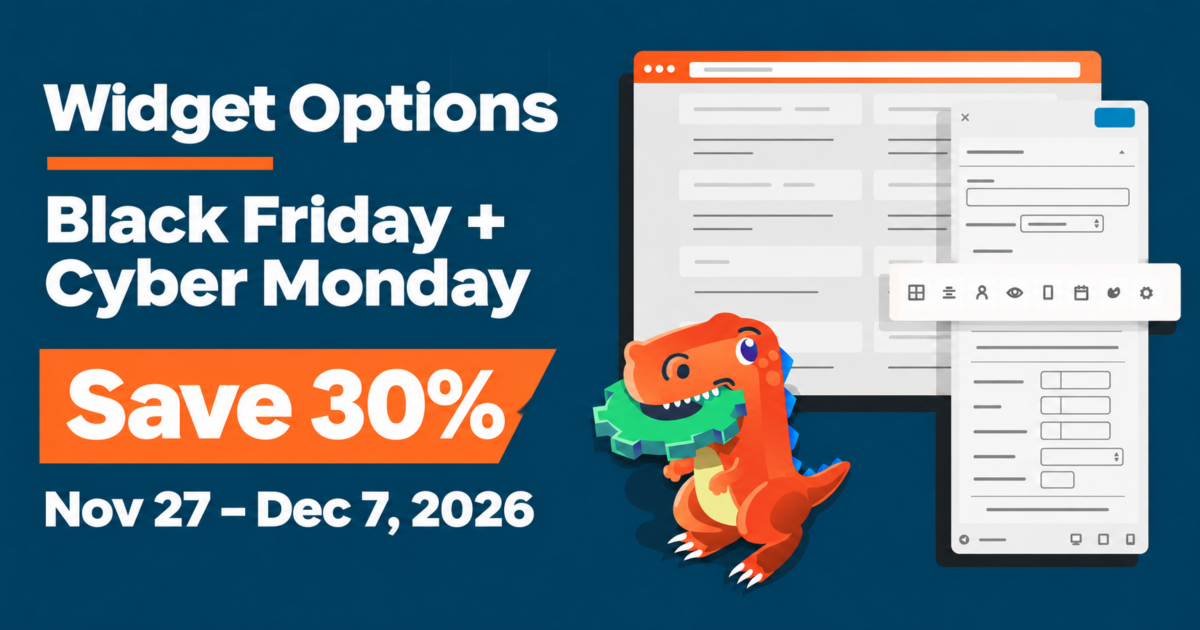
If you’ve ever wanted to show a signup form only on your blog, hide a crowded sidebar widget on mobile, or schedule a promotion to disappear when it ends, Widget Options gives you those controls right in WordPress.
Show the right content where it belongs
With Widget Options, you can manage visibility for classic widgets and Gutenberg blocks. Here are a few ways to put it to work:
- Target specific pages. Show a newsletter signup on blog posts or display a sales banner only on relevant pages.
- Adapt content to the device. Hide a secondary widget on phones to give visitors more room to read and browse.
- Schedule seasonal content. Set a date range for a holiday promotion so it stops appearing when the offer ends.
- Personalize by user role. Show a member resource to the people who can use it.
How to claim your 30% discount
- Visit the Widget Options pricing page.
- Choose the plan that fits your site.
- Enter
BLACKFRIDAY2026orCYBERMONDAY2026during its offer period and verify that the discount appears before completing your purchase.